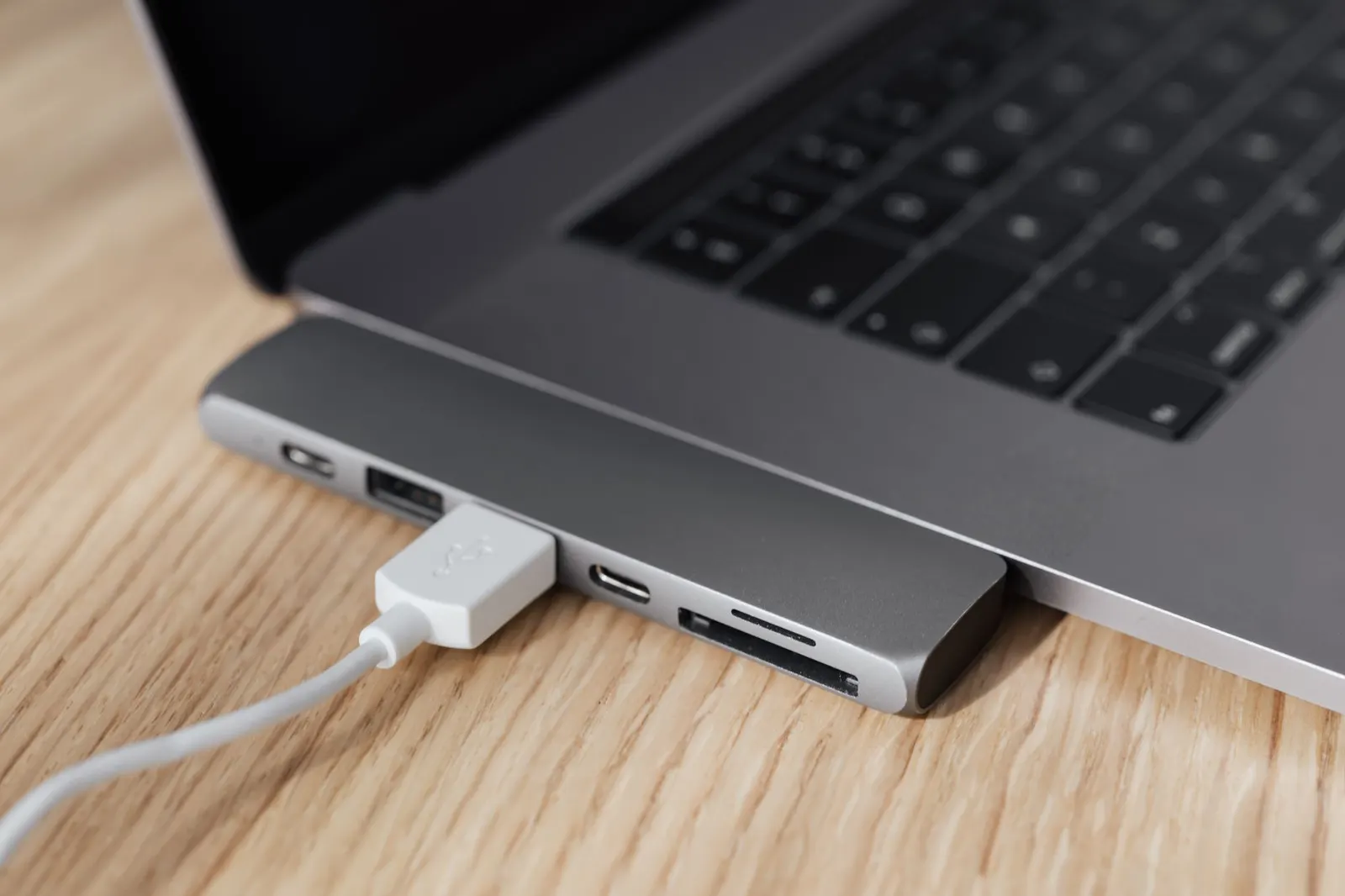
XDA Developers published a roundup of four forgotten gadgets an ESP32 can resurrect. The list is solid: an IR blaster for old remotes, a Bluetooth audio receiver for wired speakers, a ratgdo32 board for garage doors, and a remote power button for a headless PC. Each project uses an ESP32 to bridge legacy hardware into a modern workflow. I have built two of them myself. They work.
But the list has a blind spot. None of those projects solve the problem of controlling a computer's keyboard and mouse from another machine without installing software on the target.
The missing use case
You have a headless server in a closet. A test box in a rack. A mini PC mounted behind a monitor with no peripherals attached. You need to type a command, click a dialog, or navigate BIOS. The usual answers are KVM switches, IPMI, or remote desktop agents. KVM hardware costs money and eats rack space. IPMI is rare on consumer boards. Remote desktop requires an OS that is already booted, a network that is already configured, and software installed on the target.
What if the target is in BIOS? What if the network stack is broken? What if you cannot install anything because the machine belongs to a client, or it is an appliance, or it is air-gapped?
That is where a USB HID gadget comes in. The target sees a standard keyboard and mouse. It does not know the difference. No driver, no agent, no cooperation from the OS required.
Why the ESP32-S3 changes this
The original ESP32 can act as a USB device, but the USB stack is limited. The ESP32-S3 has a native USB OTG peripheral with proper HID support. It can enumerate as a composite device: keyboard, mouse, and a serial console for debugging. It has enough RAM to buffer input events and enough CPU to handle the USB protocol without dropping keystrokes.
We built InputInfinity around the S3 for this reason. The firmware presents a USB HID interface to the target computer. On the other side, it exposes a WebSocket server. A browser page connects to that WebSocket, captures keystrokes and pointer events, and forwards them. The target receives standard HID reports. The browser sends standard web events. The ESP32-S3 sits in the middle translating.
What the XDA projects actually do
The IR blaster project replaces a remote control. It sends consumer IR codes. That is output only, one way, and it controls appliances, not computers.
The Bluetooth audio project turns the ESP32 into an A2DP sink. It receives audio streams and outputs analog. Again, one way. No input path back to the source.
The ratgdo32 speaks the Security+ 2.0 protocol to a garage door opener. It is a specialized bridge for one vendor's proprietary serial protocol. It does not present a USB interface to a computer.
The remote power button uses optocouplers to short the motherboard power-switch pins. It simulates a physical button press. That is a single-bit output. It cannot type a password or click a confirmation dialog.
All four are valuable. None of them let you type sudo systemctl restart docker on a headless box from your laptop browser.
How InputInfinity fits
Plug an ESP32-S3 dev board into the target's USB port. The board enumerates as a keyboard and mouse. Open the control page in a browser on your control machine. Type. Move the pointer. Click. The target reacts exactly as if you were sitting at it.
No software on the target. No network configuration on the target beyond the USB enumeration. The ESP32-S3 gets its network connection over Wi-Fi. The browser talks to the ESP32-S3 over the local network. The ESP32-S3 talks to the target over USB.
This works in BIOS. It works at the bootloader prompt. It works on a Windows install screen. It works on a Linux TTY. It works on a macOS recovery partition. Anywhere a USB keyboard and mouse work, this works.
Hardware you need
An ESP32-S3 development board with a USB-C connector that connects directly to the S3's USB OTG pins. Not all boards do this. Some route USB only to the UART bridge chip. Check the schematic. Boards like the ESP32-S3-DevKitC-1, the Feather ESP32-S3, or the QT Py ESP32-S3 expose the native USB port. Boards that only have a USB-to-UART chip (CP2102, CH340, CH9102) will not work for this.
You also need a USB cable that carries data. Charge-only cables will not work. The cable connects the board's native USB port to the target computer.
Power the ESP32-S3 from the same USB connection or from a separate 5 V source. If the target port cannot supply enough current, a powered hub or a Y-cable solves it.
Software setup
Flash the InputInfinity firmware. We provide a web flasher that runs in the browser. No toolchain install required. Connect the board, open the flasher page, click flash. The firmware configures Wi-Fi credentials via a captive portal on first boot. After that, the board joins your network and serves the control page.
Open http://<device-ip>/ on your control machine. The page requests permission to capture keyboard and pointer input. Grant it. You now have remote input.
The free tier supports up to three devices. That covers a home lab cluster, a couple of test machines, and a spare.
Trade-offs to know
Latency is low but not zero. Wi-Fi adds a few milliseconds. For typing and clicking it is imperceptible. For gaming or high-speed drawing it is not suitable.
The browser tab must stay focused to capture input. If you alt-tab away, the target stops receiving events. This is a browser security model limitation, not a firmware limitation.
Special keys like Ctrl+Alt+Del on Windows or Cmd+Opt+Esc on macOS are intercepted by the control machine's OS before the browser sees them. We provide on-screen buttons for those combinations.
The target sees a generic HID keyboard and mouse. It does not see multimedia keys, macro keys, or high-DPI mouse reports beyond the standard boot protocol. For most admin work that is fine.
When to use this instead of the alternatives
Use a KVM switch when you have multiple machines on one desk and want zero-latency switching with video.
Use IPMI or iDRAC when the server has it and you need power control, virtual media, and console access over a dedicated management network.
Use remote desktop (RDP, VNC, Sunshine/Moonlight) when the OS is running, the network is up, and you need full graphical fidelity.
Use InputInfinity when:
- The target has no OS loaded yet.
- The target cannot run an agent.
- The target is on a network you do not control.
- You need to interact with firmware menus, bootloaders, or installers.
- You want a $15 solution that fits in a USB port.
A concrete scenario
Last month I was provisioning a batch of thin clients for a client site. They arrived with a locked-down BIOS, no PXE boot configured, and no keyboard in the box. I plugged an ESP32-S3 running InputInfinity into each one, opened the control page on my phone, navigated the BIOS menus, enabled PXE, saved, and moved to the next unit. Ten machines in fifteen minutes. No monitor, no keyboard, no KVM cart.
That workflow is not on XDA's list. It should be.
Getting started
Grab an ESP32-S3 board with native USB. Flash the firmware from our web flasher. Plug it into the target. Open the control page. That is the whole loop.
If you already have an ESP32-S3 in your parts bin, try it today. The free tier covers three devices. No account required for local-only use.
The XDA article is a good read for the projects it covers. Add this one to your mental list. It is the only one that lets you type on a machine you cannot touch.
Comments
No comments yet. Be the first.