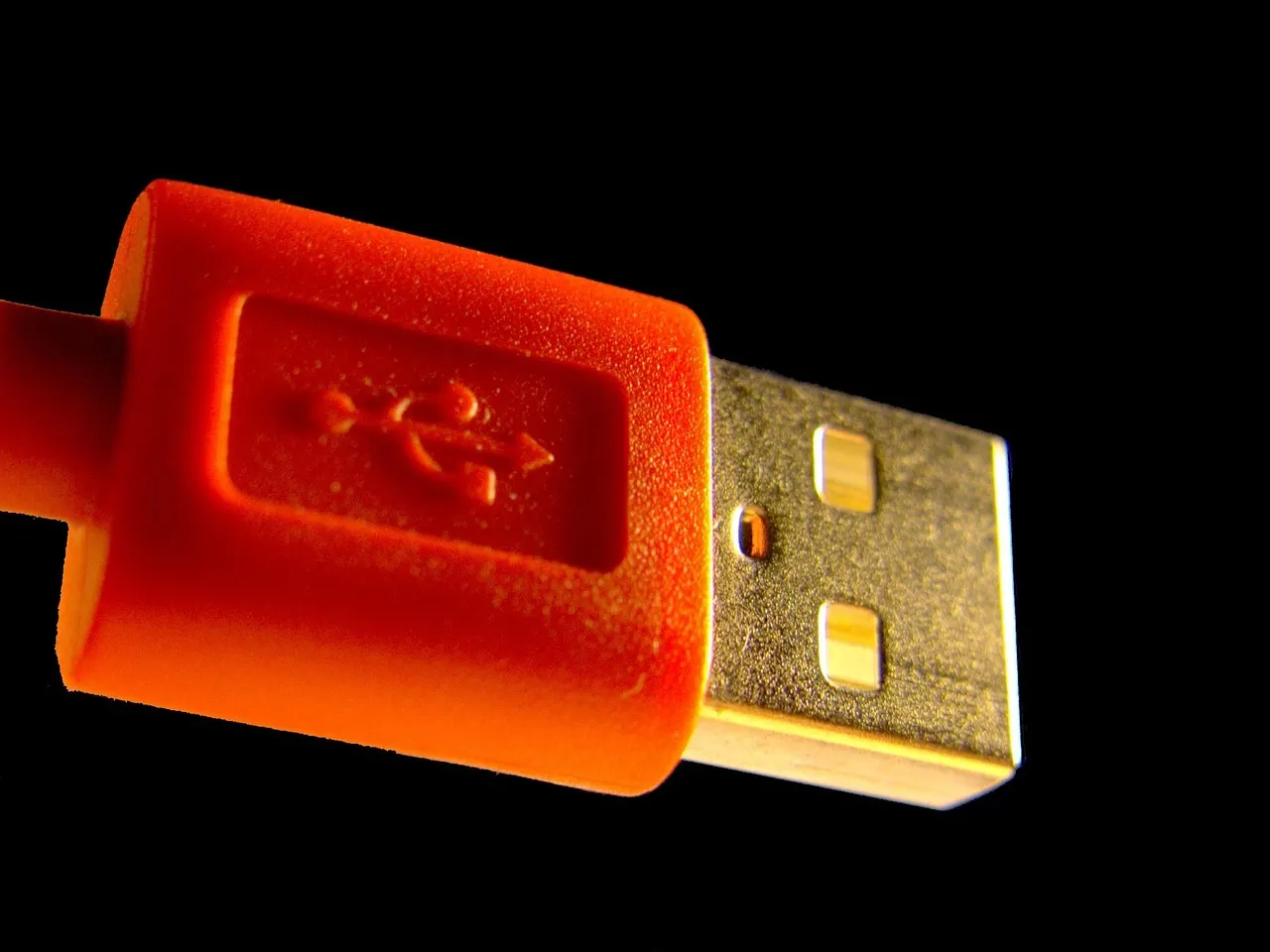
USB device emulation is the reason an ESP32-S3 can provide remote keyboard and mouse input without an app installed on the computer being controlled. The computer receives ordinary USB input from the board connected to it, while the person controlling that input works from a browser.
That distinction is the whole design. It keeps the target computer out of the control setup beyond the physical USB connection.
XDA Developers on MSN recently highlighted the ESP32-S3's ability to act like a normal USB device, mentioning its use in a macro-pad project. A macro pad is a good local example of the capability. One button press can send a predefined key sequence to the computer attached to the board.
Remote input takes the same underlying behavior in a different direction. Instead of pressing a button mounted beside the computer, we send keyboard and mouse actions to an ESP32-S3 from a browser. The board then presents those actions to its connected computer as USB input.
The computer sees a USB input device
A USB connection has different roles. One side is the computer receiving and using a peripheral. The other side is the device that identifies itself and sends the kind of input it represents.
When an ESP32-S3 is configured for keyboard and mouse input, it takes the device role. It can report that a key was pressed, that the pointer moved, or that a mouse button changed state. The connected computer treats those reports as input from its USB-connected keyboard and mouse.
That is different from remote-control tools that need a program on the target computer. Those tools generally require something on that machine to receive network traffic and create input locally. If that program is absent, stopped, blocked, or unavailable to the person setting up the machine, the remote-control path ends there.
With an ESP32-S3 USB input device, the path reaches the computer through its USB connection. From the computer's point of view, the input arrives at the same boundary as other attached input hardware. There is no target-side InputInfinity application to install.
The browser does not need to become a keyboard on the target computer. The ESP32-S3 does that job.
What happens after a browser action
It helps to separate the two parts of the setup: control and input.
The control side is where you use InputInfinity in a browser. You choose a device and send keyboard or mouse actions. This is useful when your own keyboard and mouse are at another desk, on another computer, or simply not the peripherals you want to use for the target machine.
The input side is the ESP32-S3 plugged into the target computer. It receives the action intended for that device and emits the matching USB keyboard or mouse input.
For a basic key press, the sequence is conceptually straightforward:
- You press or select a key in the browser control.
- InputInfinity sends that action to the selected ESP32-S3.
- The ESP32-S3 sends the corresponding keyboard input over its USB connection.
- The connected computer receives the key press.
Mouse actions follow the same model. A pointer movement becomes USB mouse movement from the board. A click becomes a USB mouse-button action.
There is an important practical detail here. The ESP32-S3 must be connected to the particular computer you intend to control. If you have two computers, each needs its own attached input device if you want to send input to either one independently. The browser is the shared control surface. The boards are the USB endpoints at each machine.
Why no installed software changes the workflow
No-install input control is useful because many computers are awkward to modify. A machine may belong to a family member, sit in a test area, run a fixed-purpose task, or simply be one where you do not want to add another background program.
In those cases, installing a remote-control app creates work before you can type a single character. Someone has to access the machine first. They may need permission to install software. The app may need to be started again later. A change to that computer can also break the arrangement.
USB device emulation avoids that dependency. The target machine only needs the ESP32-S3 connected as its USB keyboard and mouse. The remote-control logic remains outside the target computer.
This also makes the physical layout easier to reason about. Each computer has a small board attached where input is needed. Your browser chooses which attached board should receive the next action. You are not trying to make one computer's local peripherals pass through another computer's desktop session.
For people who regularly move between a work machine, a home server console, and a second desktop, that is a cleaner boundary. One input position can control separate computers without installing a control agent on each target.
InputInfinity offers a free start option for up to three devices, which maps well to a small multi-computer desk. It gives you room to test the workflow with a few attached ESP32-S3 boards before deciding whether it fits how you work.
A macro pad and remote input solve different problems
The news item's macro-pad example is useful because it shows the local side of USB emulation. A macro pad is physically near the computer. You press its controls to send its predefined inputs.
A browser-controlled ESP32-S3 remote keyboard and mouse solves a different problem: where the person is sitting and where the computer is sitting are separate concerns. The browser may be on one device, while the ESP32-S3 is attached to another computer that needs input.
That difference matters when choosing a project.
Use a macro pad when fixed shortcuts at one desk are the main need. Use a remote USB input device when you need to select a target computer and send normal keyboard or mouse input from a browser. Both use the ESP32-S3's ability to act as USB hardware, but the control model is different.
We covered this broader distinction in ESP32-S3 projects that solve a real desk problem. The useful project is the one that removes an actual daily step, rather than adding a board to the desk with no clear role.
Know the boundary of the approach
A remote USB keyboard and mouse is input control. It is not full remote desktop access.
InputInfinity can send keystrokes, pointer movement, and clicks through the attached ESP32-S3. It does not turn the browser into a view of the target computer's screen. If you need to see what is happening on that computer, you need a separate way to view it in your environment.
That boundary is often a benefit. The ESP32-S3 has one focused job: act as USB input at the computer it is attached to. The browser gives you a place to control that device. There is no need to place a software component on the target machine to interpret incoming keyboard and mouse commands.
Before setting up a device, decide which computer the board will remain attached to, where you will use the browser control, and whether you already have a practical way to see the target screen when needed. Then configure the ESP32-S3 as the remote USB input device for that computer.
If your goal is one keyboard and mouse workflow across a few computers, that is the piece USB device emulation makes possible. Start with one board and one target computer, confirm the input path works as expected, then add devices where the desk setup actually needs them.


Comments
No comments yet. Be the first.